







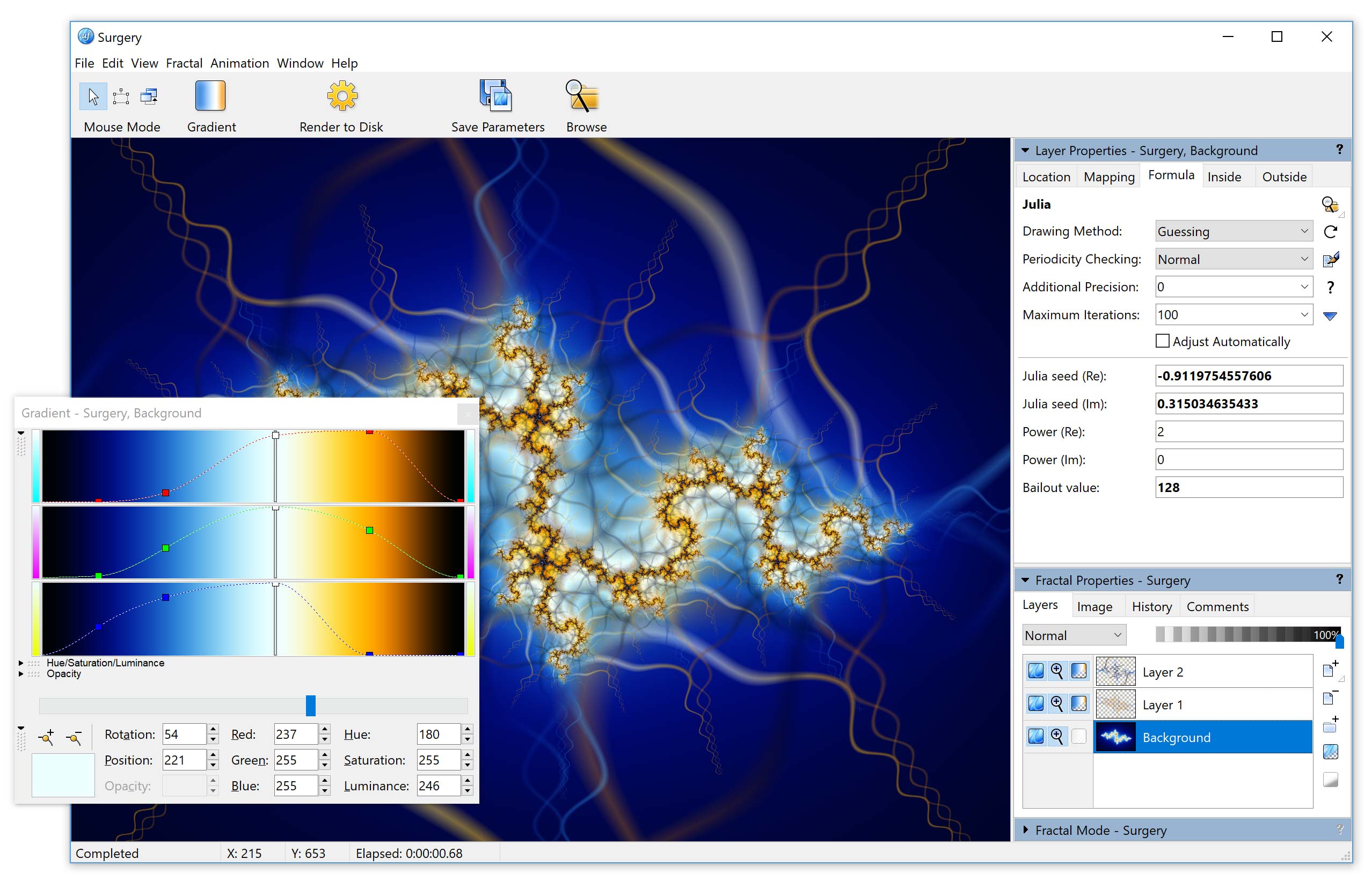
This screen shot (click to enlarge) shows a fractal window with the Layer Properties and Fractal Properties tool windows docked on the right, and the gradient editor floating over the fractal window.
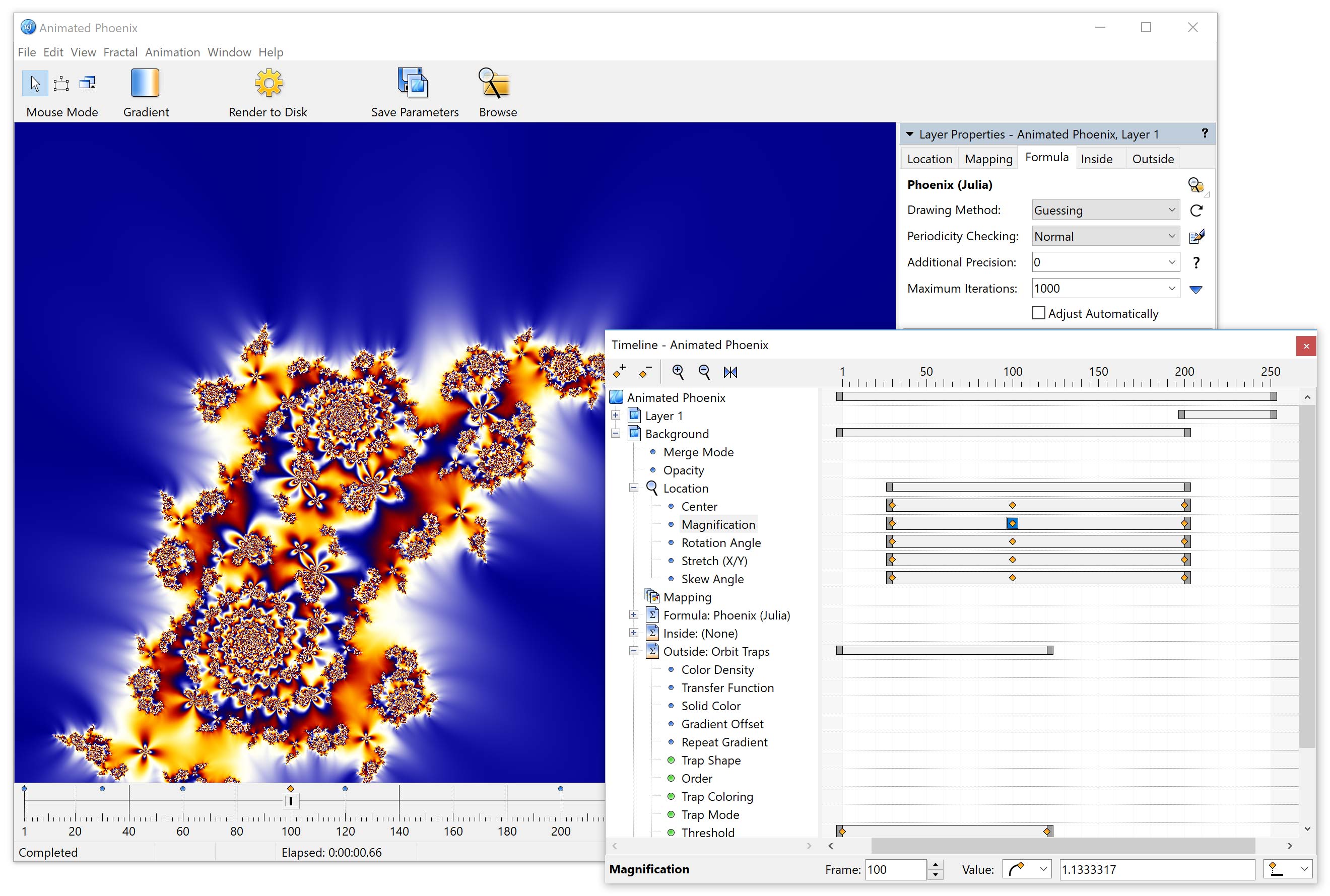
This screen shot (click to enlarge) shows the Animated Phoenix example from the Animations tutorial, with the Timeline tool window on top. (Extended Edition only.)
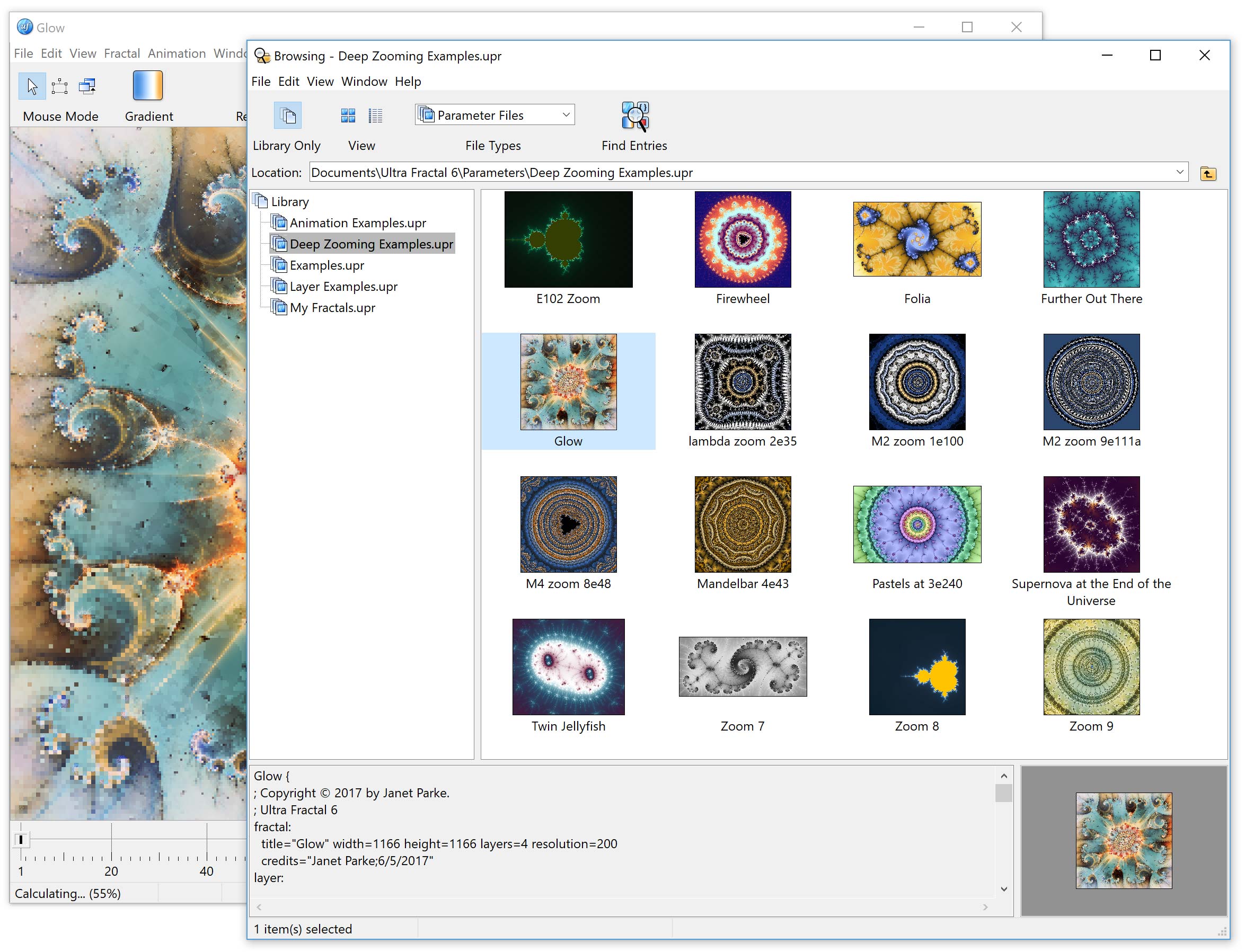
This screen shot (click to enlarge) shows the new deep zooming examples in the browser, with the Glow example image loaded in the background.


"It’s got all everything I wanted (...). In less than two minutes of downloading, I was watching an avi."
Eric Williams

All rights reserved. Copyright © 1997-2025 Frederik Slijkerman
"Ultra Fractal's capabilities seem quite awesome — possibly it could become the 'Photoshop' of fractal programs? The interface is a joy to behold and could hardly be bettered."
Les St Clair